Work offline
After downloading and setting up Obsidian, read and edit your notes without an internet connection. The included HTML reader works offline too.
BA Studio Kit AvioBrand
For Business Analysts & Product Owners
Built for Obsidian · Local-first
Keep requirements, sources, and handoffs in linked Markdown notes on your own computer. Start with intent, spec, and plan. Use Obsidian links, backlinks, and Graph view to follow the work.
Local-first · Works offline after setup · English · Optional AI
Fictional worked documents. Tests are designed, not run.
Obsidian is the workspace
The kit is a vault of ordinary Markdown files, ready to open in Obsidian. Your project lives in a folder you control. No kit account, paid Sync plan, community plugin, or AI subscription is required.
After downloading and setting up Obsidian, read and edit your notes without an internet connection. The included HTML reader works offline too.
Use backlinks, Search, Templates, and Graph view to move between a source, a rule, and the next action. Professional also includes two Canvas boards.
Back up the vault as a folder. Markdown stays readable in another editor. Sync and AI are optional; those services handle only the material you choose to share or sync.
For individual business analysts and product owners
A source changes. A spec still has the old rule. An API or test relies on it. BA Studio Kit gives you a place to follow those links, record unanswered questions, and prepare the next review.
Intent
Capture the outcome, scope, source statements, and decisions still needed.
Spec
Keep rules, examples, and review findings together, with links to the evidence.
Plan
Name actions and owners. Make clear which work can proceed and which needs an answer.
Inspect the free Starter example
Show success as soon as the user clicks Save.
S4 requires the old value to remain if saving fails. A failed save must not show success.
PREF-F1 records the conflict. The draft rule is corrected, with a recheck still needed.
PREF-E5 describes the failure test: the old value stays, failure is shown, and retry is available. Execution remains not-run.
PREF-Q1 keeps the final message open for Noor to resolve.
Follow PREF-intent → PREF-spec → PREF-plan. In the spec, find source S4, rule PREF-R3, example PREF-E5, and question PREF-Q1. Each points to a different part of the same feature. The example is fictional and does not claim an accepted requirement or a tested implementation.
Choose by the work you need to do
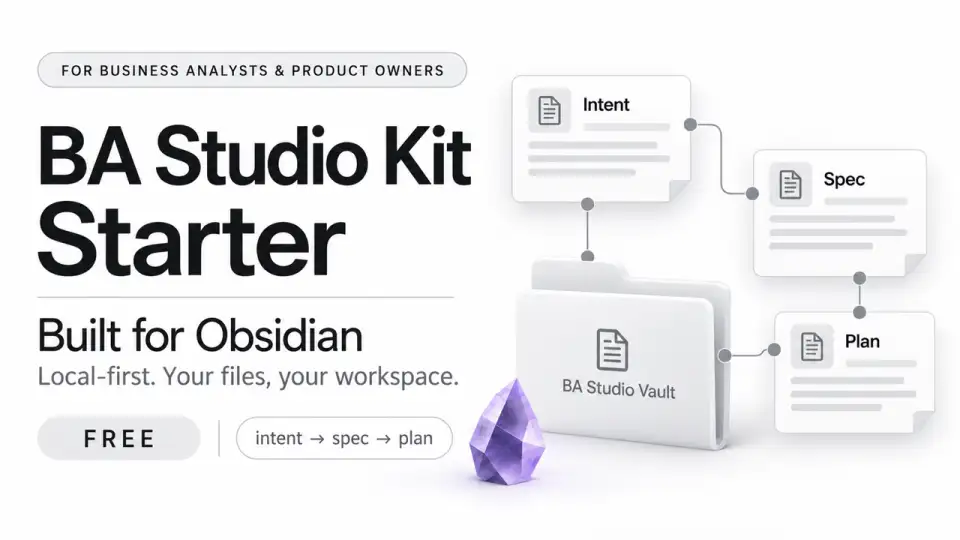
Starter / one small feature
Free $0 on Gumroad
Use Starter on its own for as long as it fits your work.
Get Starter freeEnter 0 in the price field to download free.
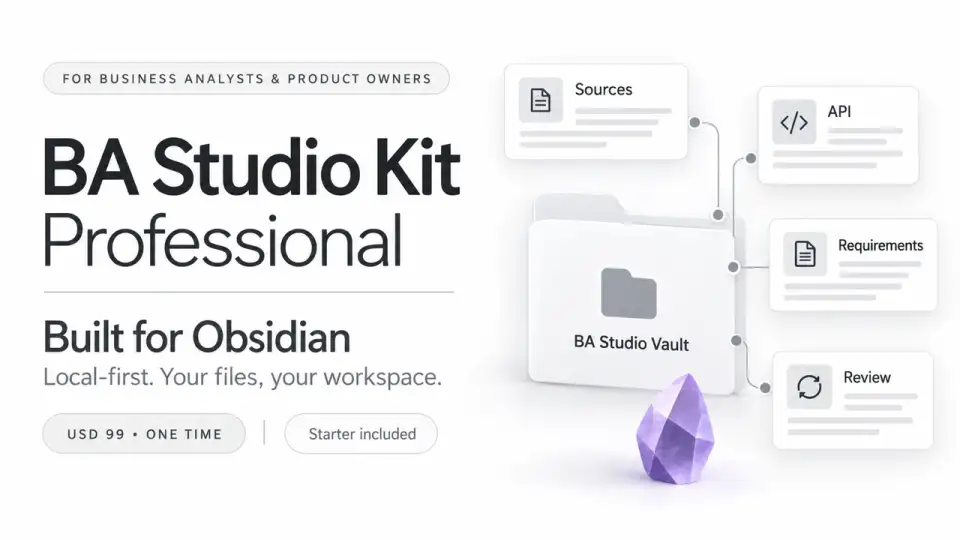
Professional / rules and integration
$99 USD · one time · one user
Choose Professional when several rules, systems, or reviewers need separate records.
Get Professional · $99What Professional adds to your workflow
Open Questions / stop-ask records the missing fact, owner, and affected work. The Fidelity ladder helps you choose how much detail the next decision needs.
Maintain an Error Matrix, link it to the API in seven steps guide and Integration Blueprint, and keep readiness separate from executed tests.
HITL Plan → Diff → Write makes proposed edits visible. Staleness and dual changelog keep changed evidence, business decisions, and document edits traceable.
A cancellation window changes from 24 to 12 hours. Two expense policies disagree at the USD 500 boundary. Two customers compete for one item. A dispatch request times out. Each fictional case includes sources and linked review records; application tests remain not-run.
Your first session
01 / Open
Unzip into a folder you control. In Obsidian, choose Open folder as vault, select BA Studio Vault, and open 00 Home/Home. START-HERE.html offers an offline reading route too.
02 / Follow
Follow the preference example from source S4 to its rule, failure example, and unresolved wording question.
03 / Apply
Choose a small feature. Add one source, one behavior rule, one failure example, and an owner for the next action.
Before you start
No AI plan, community plugin, or paid Sync service is required. You can read the files in the offline reader and edit the vault in Obsidian. Professional's optional checking tools require Python 3.9+.
Keep your existing notes and IDs. Add the Professional library using the included expansion guide. Move a rule into its own record when needed and leave a link in its former location.
Readiness names an activity and scope, such as a review or implementation handoff. Test execution needs an implementation, environment, observed results, and evidence. You and your team decide what is accepted and ready for release.
Yes. Share the documents you create. The reusable source kit is licensed to one person; each additional user needs their own copy.
The kit uses local files. A sync provider may upload a synced folder, and material you send to an online AI assistant is handled by that service.
The Professional listing currently offers a 30-day money-back guarantee and support replies within two business days. Available updates are downloaded from your Gumroad library, with no lifetime update promise. Read the current purchase terms.
Start with the work in front of you
Try Starter free. Get Professional when rules, APIs, or changes need more space. Professional is $99 USD, one time, for one user. Checkout shows the currency and any applicable taxes.